Download Example Code
Get ready-to-use Arduino sketches for Stackr. Open each file in the Arduino IDE, install any required libraries noted in the tutorials, and upload to your Arduino Nano ESP32.
Before You Download
- Arduino IDE - Install the Arduino IDE and the Arduino Nano ESP32 board package
- Libraries - Motor examples require SparkFun TB6612; servo add-ons need ESP32Servo; Lidar needs Adafruit VL53L0X; Light Bar needs Adafruit NeoPixel (see tutorials linked from Get Started)
- Tutorials - For assembly steps and code walkthroughs, follow the guides on Get Started
Beginner Sketches
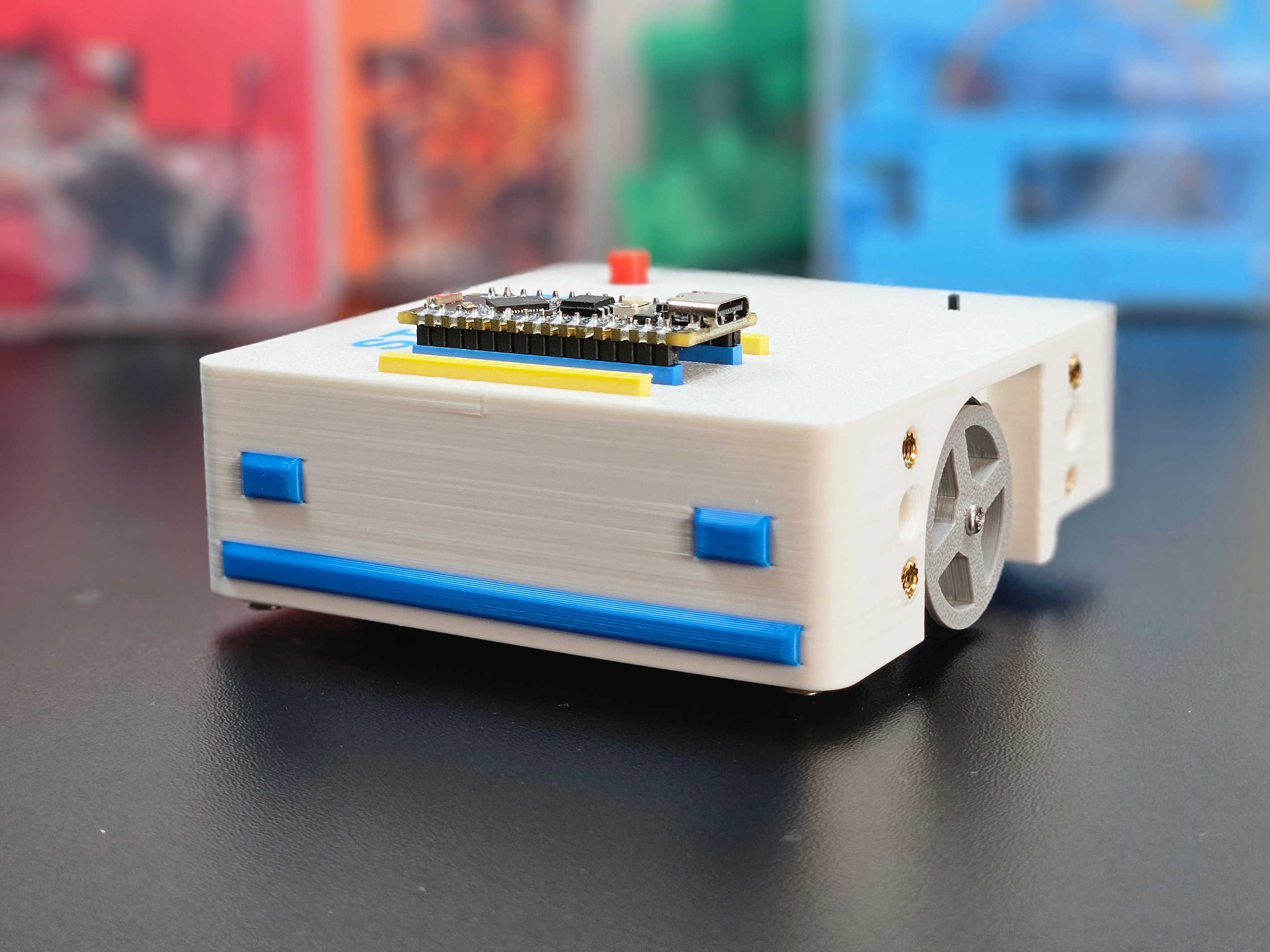
Stackr DC motor control
Arduino sketch for driving the Stackr chassis DC motors with the onboard TB6612 motor driver. Moves forward and backward in a repeating pattern.
Download Code
BLE gamepad differential drive
Install the StackrPad Android app on your phone, then upload the Arduino sketch to drive Stackr from the virtual gamepad over BLE. Matches the BLE control tutorial.
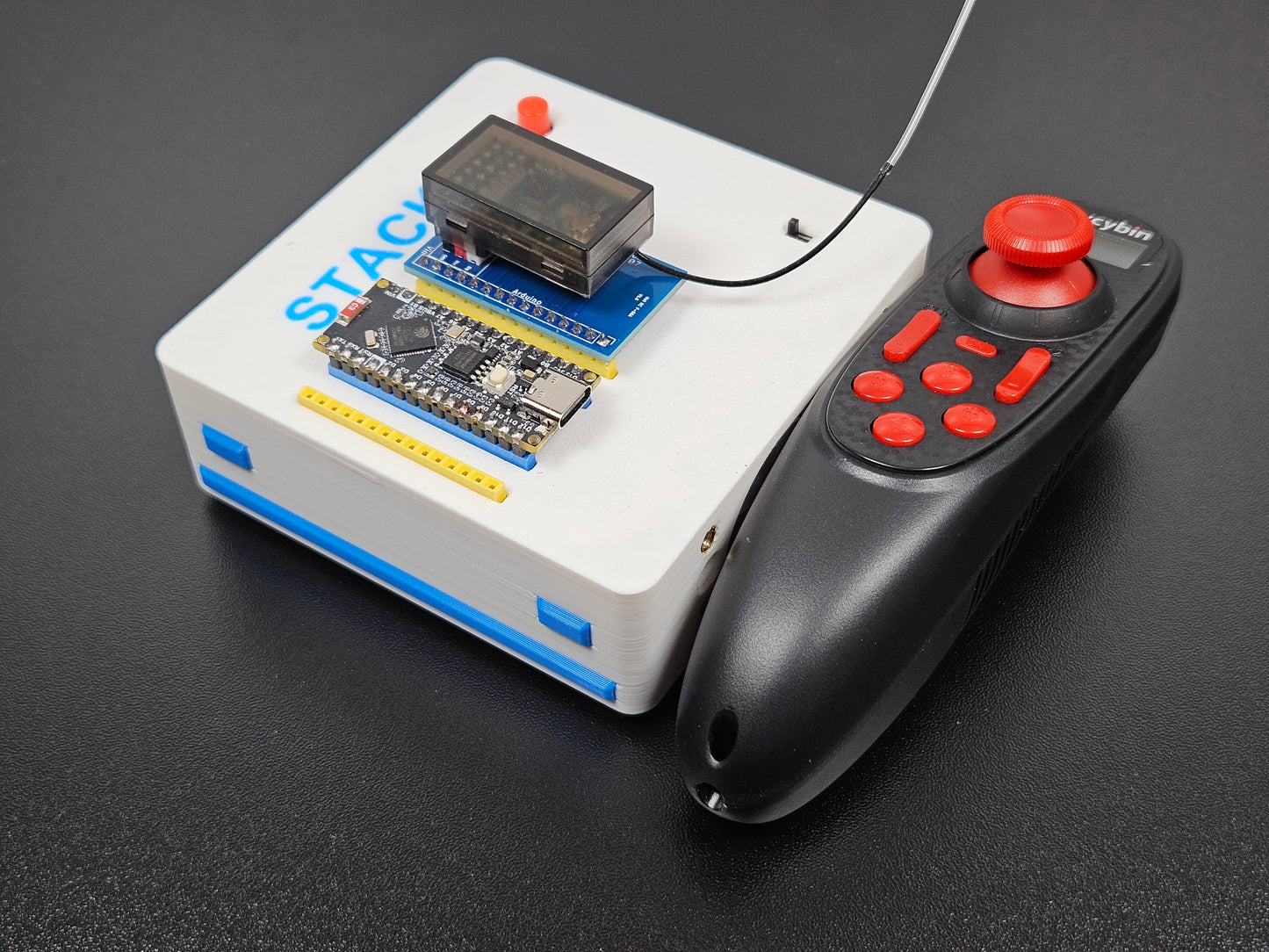
RC controller differential drive
Arduino sketch for reading an RC transmitter and controlling Stackr with differential drive. Includes motor mapping for left and right channels.
Download CodeThese sketches match the beginner tutorials. We recommend downloading the motor sketch first, then the BLE or RC control sketch once you are comfortable with basic movement.
Fork Lift Sketches
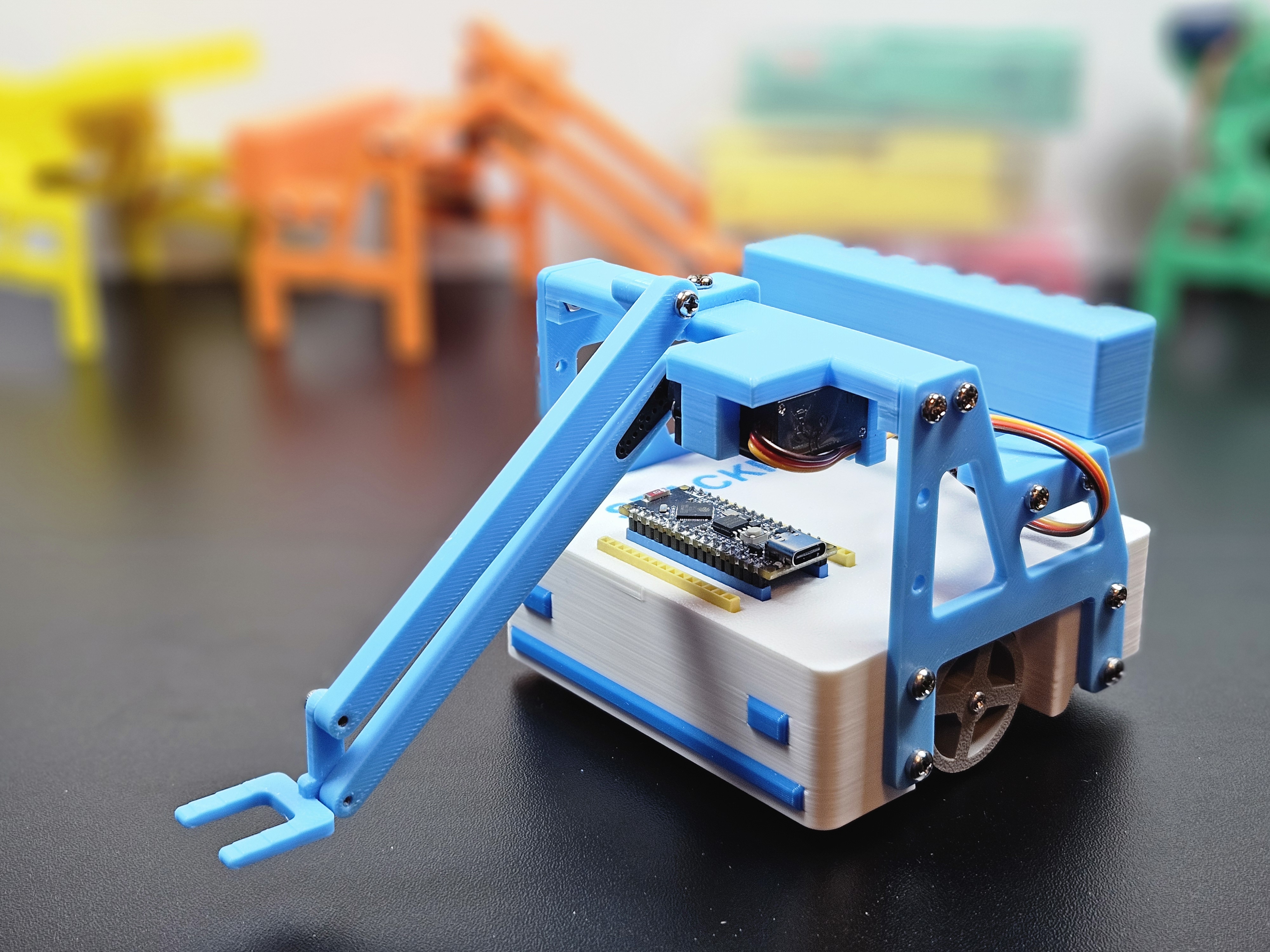
Fork lift servo sweep
Basic ESP32Servo sketch that moves the fork lift through 0°, 90°, and 180°. Matches the first example on the fork lift tutorial.
Download Code
Fork lift smooth motion
Stepped servo motion using a five-mode state machine (45°–135° sweeps, then return to center). Matches the smooth motion example on the fork lift tutorial.
Download Code
Fork lift with RC drive and servo control
Combines differential drive and fork lift servo control from an RC transmitter. Channel 3 switches to drive mode; channel 4 switches to servo mode (vertical stick adjusts fork angle).
Download CodeTry the basic sweep first, then smooth motion, then the RC sketch once you are driving Stackr with a transmitter.
Digger Sketches
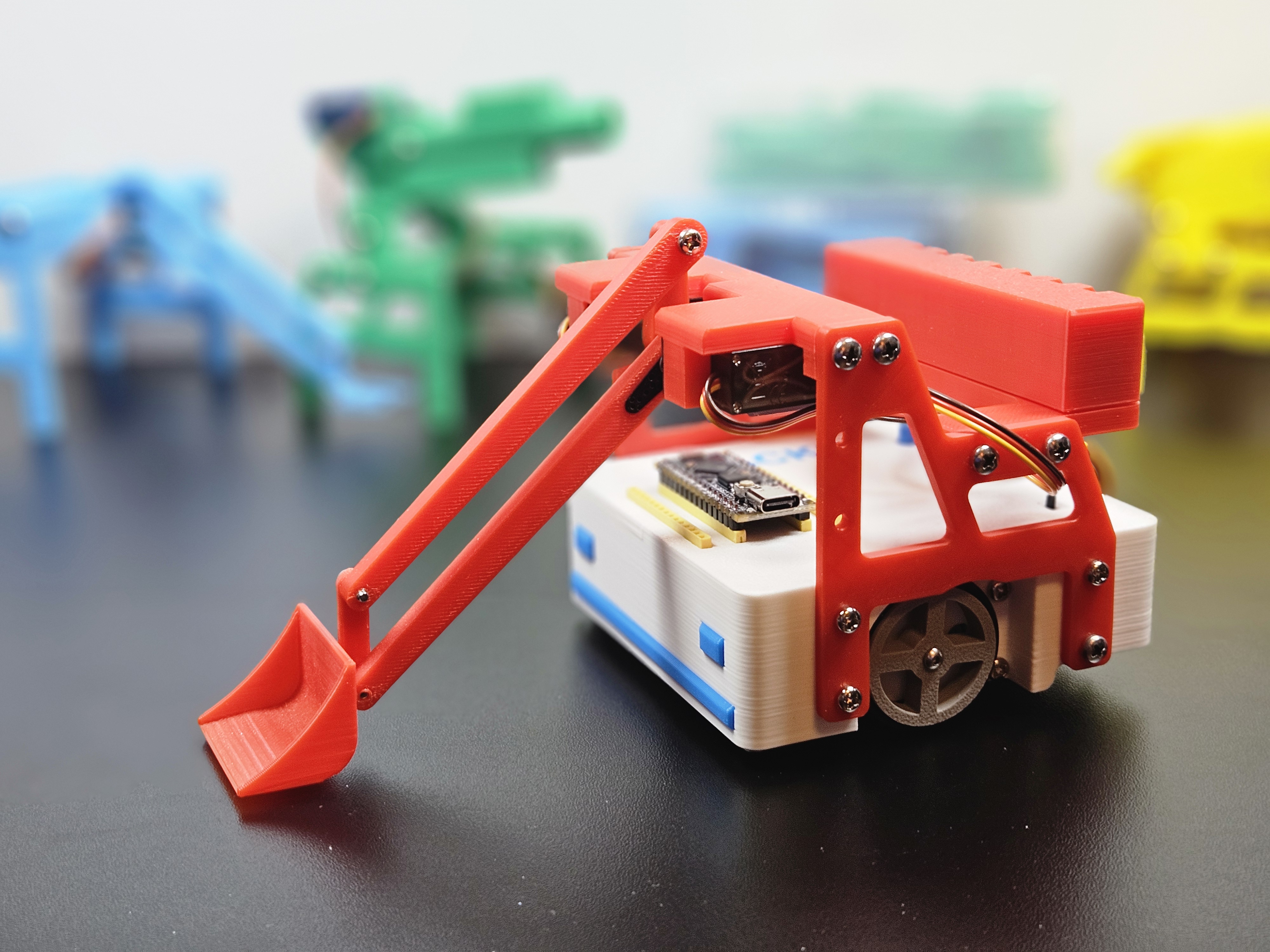
Digger arm and scoop cycles
Dual-servo motion cycles for the digger arm and scoop using a state machine to smoothly move the arm and scoop. Matches the example on the digger tutorial.
Download Code
Digger with RC drive and dual servo control
Combines differential drive with independent RC control of the arm and scoop. Uses the RC controller to drive the Stackr and control the arm and scoop of the Digger add-on.
Download CodeRun the cycle sketch first to verify arm and scoop motion, then use the RC sketch when you are ready to drive and operate the digger from a transmitter.
Gripper Sketches
These sketches are the same programs as the digger downloads. Servo 1 on D10 still moves the arm; servo 2 on D9 is wired to the gripper add-on, where it actuates the claw instead of tilting the scoop.
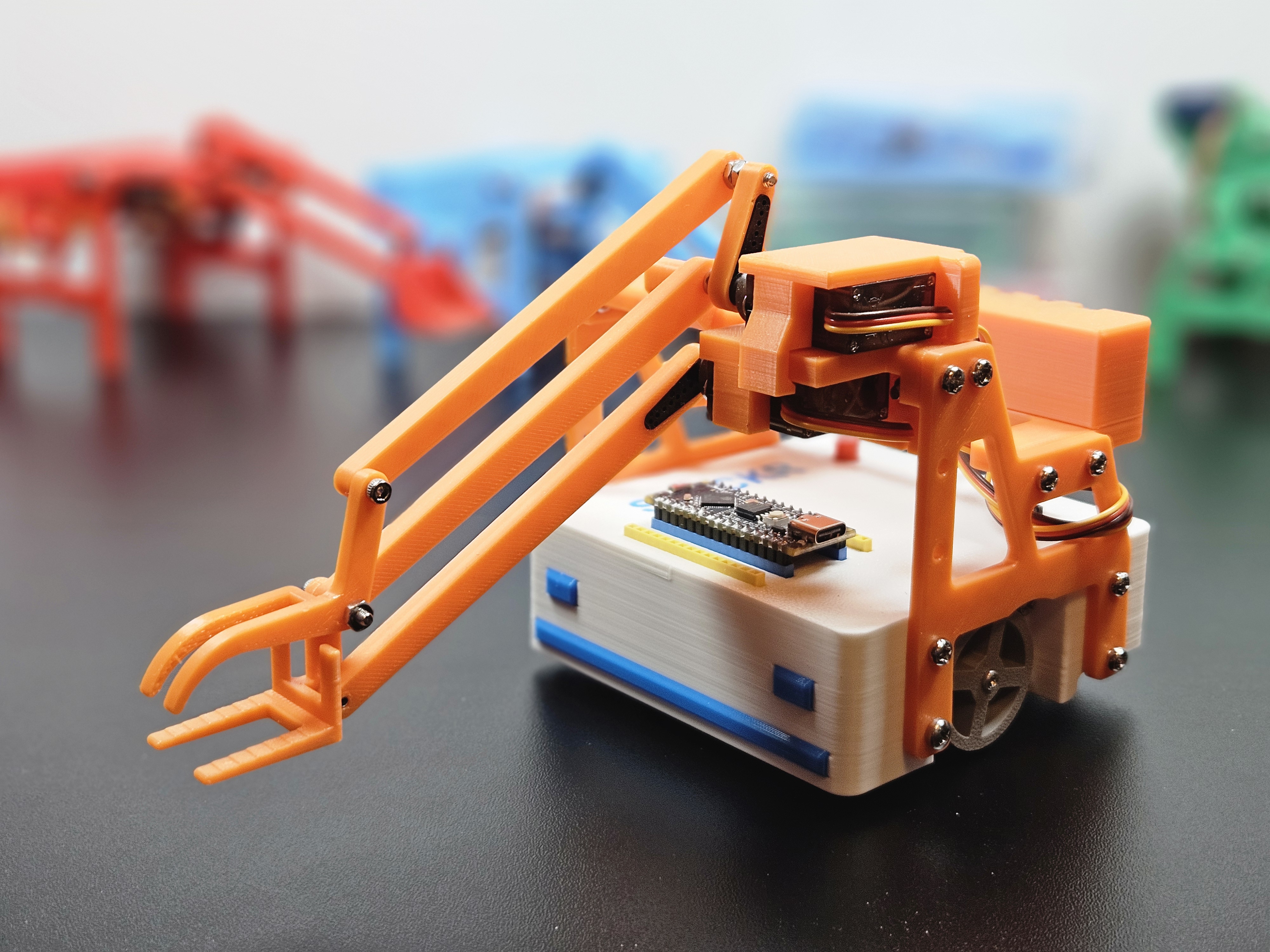
Gripper arm and claw cycles
Same dual-servo cycle sketch as Digger. It moves the arm up and down and opens and closes the claw of the Gripper add-on. Matches the gripper tutorial.
Download Code
Gripper with RC drive and dual servo control
Same RC controll sketch as Digger. Uses the RC controller to drive the Stackr and control the arm and claw of the Gripper add-on.
Download CodeYou can use either the gripper or digger filename; the code is identical. Choose based on which add-on you have mounted.
Lidar Sketches
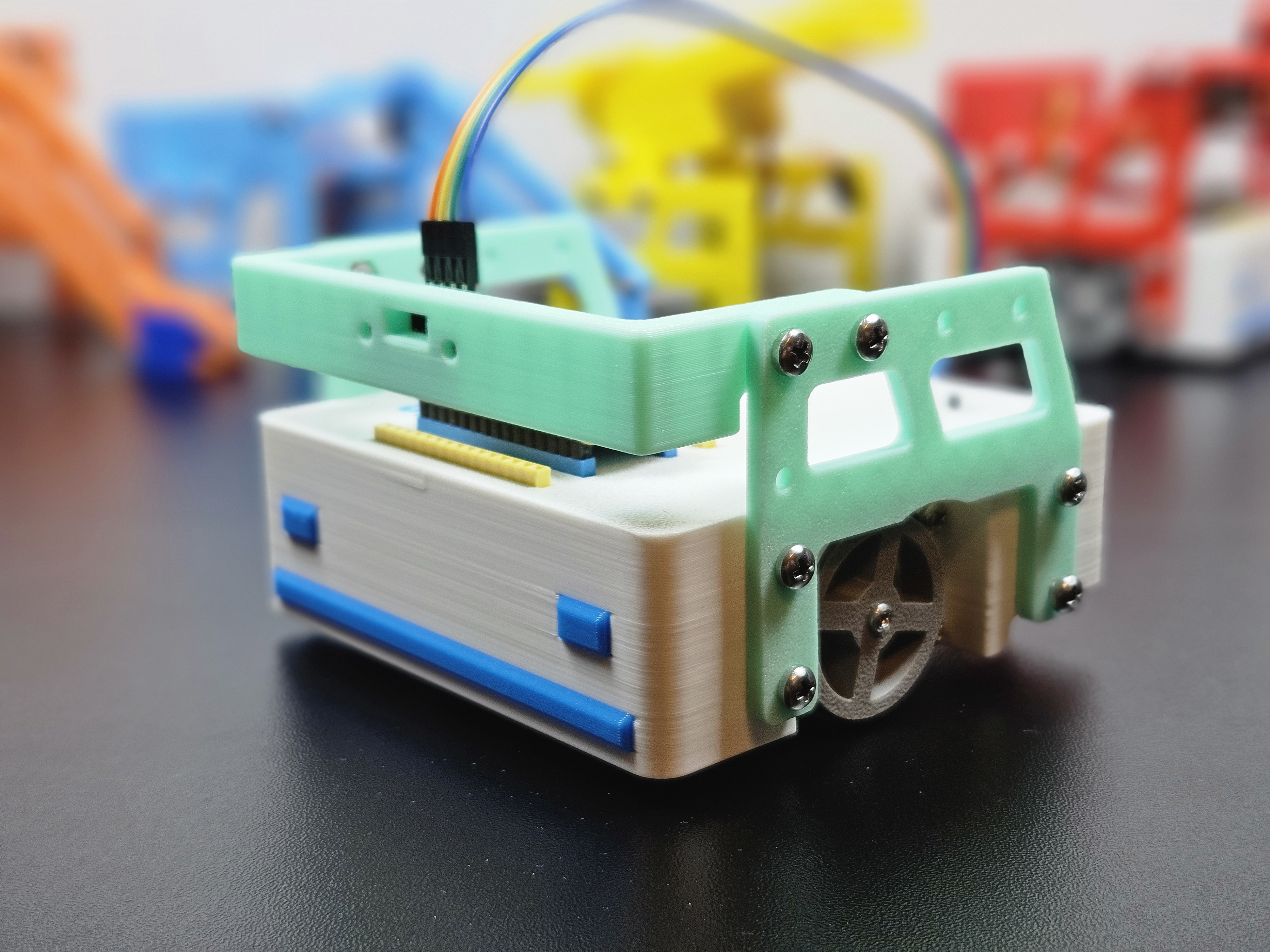
Lidar distance readings
Reads VL53L0X ToF distance over I2C and prints millimeters to the Serial Monitor every 100 ms. Matches the distance example on the lidar tutorial.
Download Code
Lidar hand follower
Combines the VL53L0X sensor with Stackr drive motors—forward past 100 mm, reverse below 60 mm, brake in between. Matches the hand follower on the lidar tutorial.
Download CodeInstall Adafruit VL53L0X for both sketches. The hand follower also requires the SparkFun TB6612 library.
Cannon Sketches
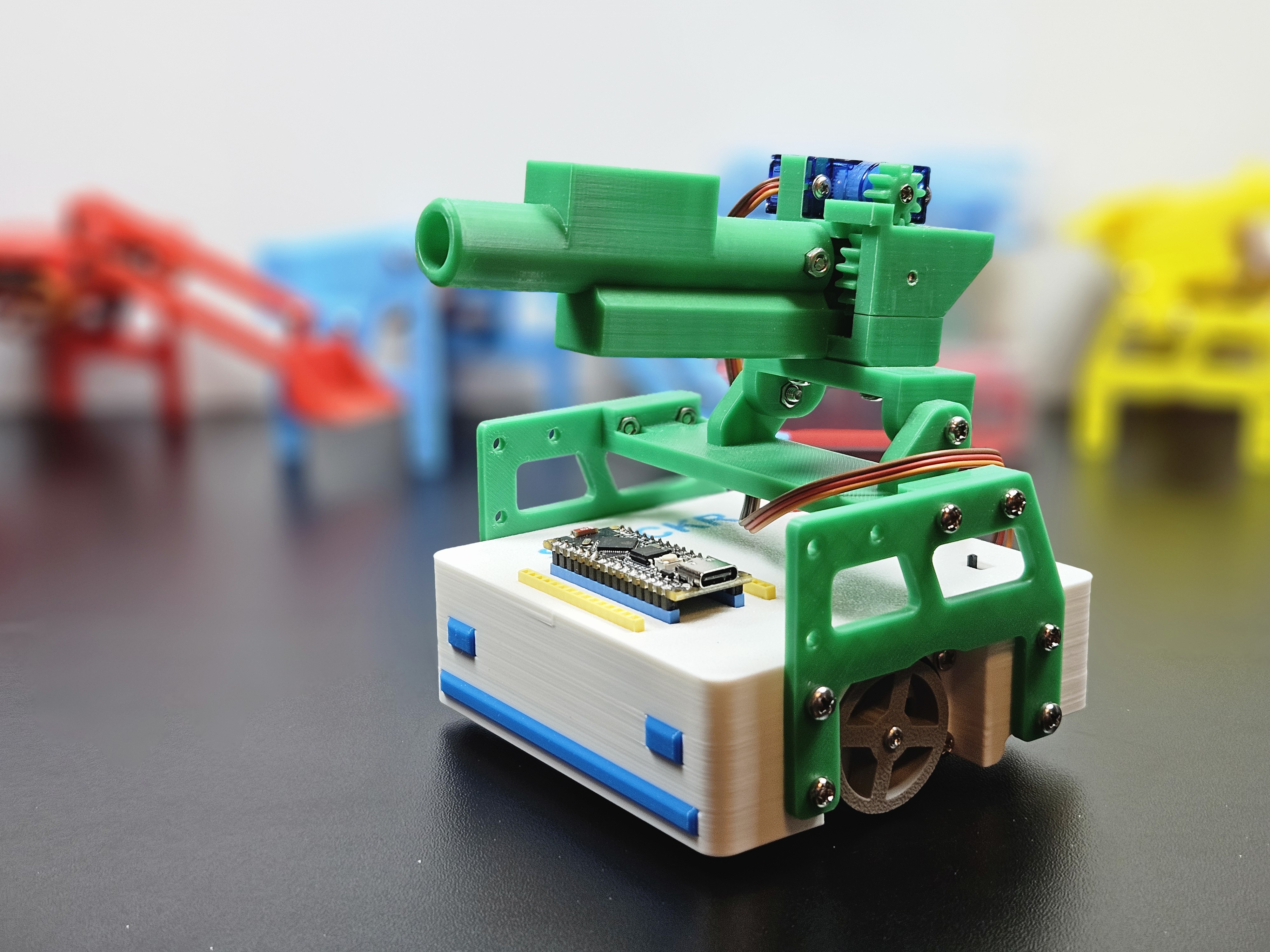
Cannon with RC drive and fire control
Drive Stackr with channels 1 and 2 and fire the cannon on channel 6. Requires an RC transmitter and receiver. Matches the cannon tutorial.
Download CodeInstall SparkFun TB6612 and ESP32Servo before uploading. Map channel 6 on your transmitter to the button you use for firing.
Rocket Launcher Sketches
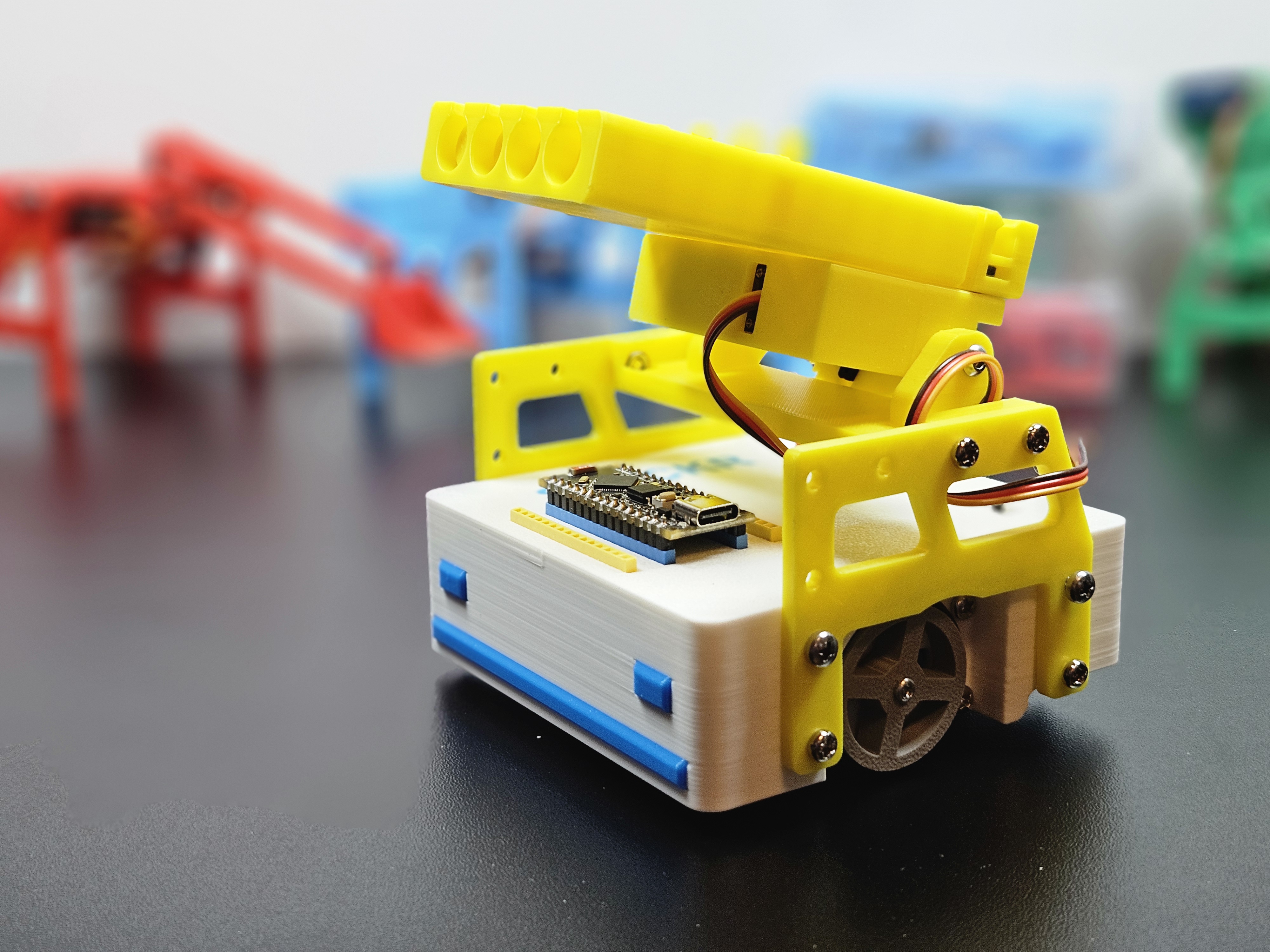
Rocket launcher with RC drive and fire control
Drive on channels 1 and 2; channel 3 resets, channel 5 auto-fires four barrels, channel 4 steps the servo manually. Requires an RC transmitter and receiver. Matches the rocket launcher tutorial.
Download CodeInstall SparkFun TB6612 and ESP32Servo. Use the Serial Monitor at 115200 baud to verify button channels while mapping your transmitter.
Light Bar Sketches
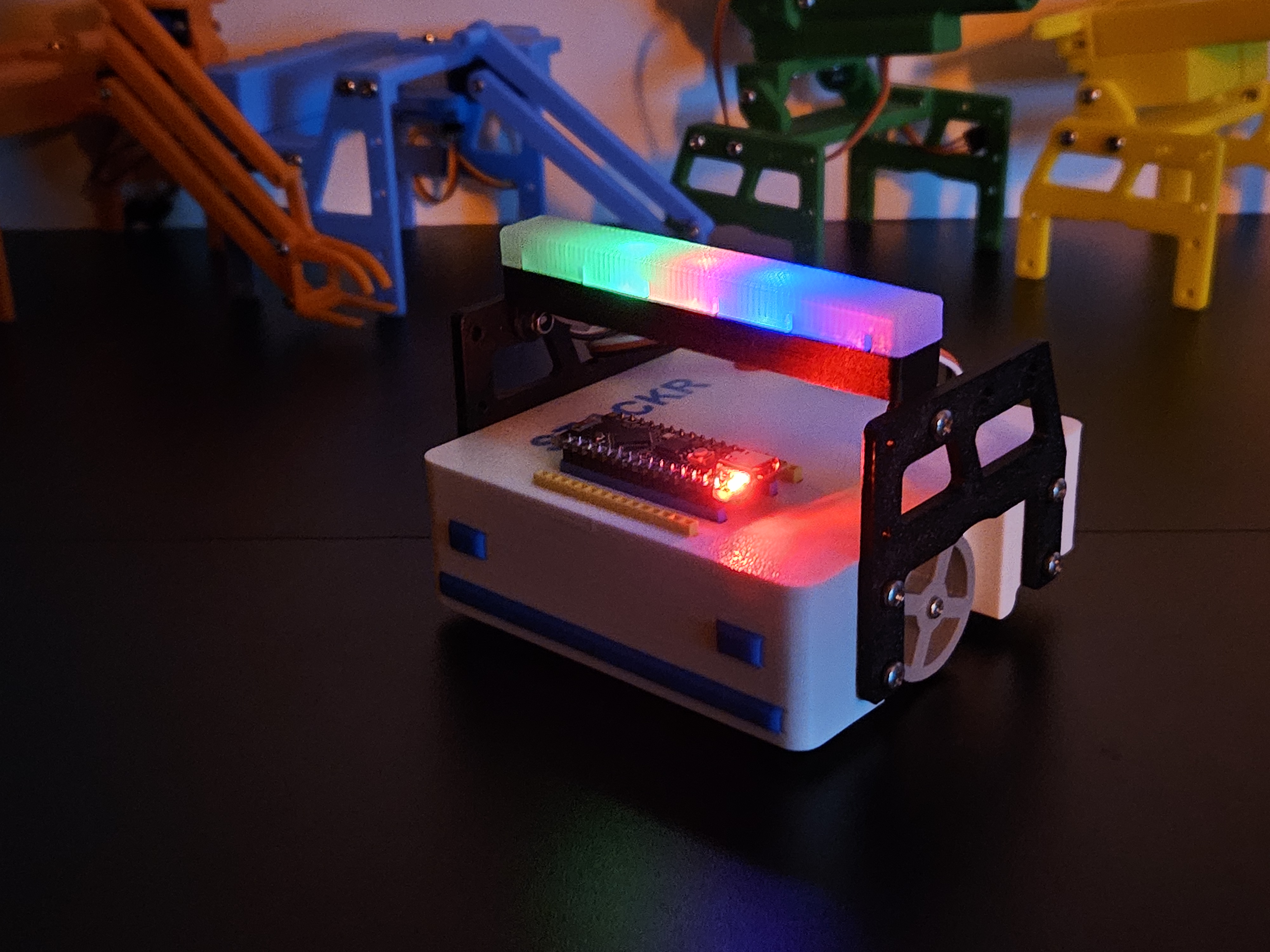
Light bar RC drive with turn signals
Drive Stackr on channels 1 and 2; amber NeoPixels on the left or right light up when turning. Requires an RC transmitter and receiver. Matches the light bar tutorial.
Download CodeInstall SparkFun TB6612 and Adafruit NeoPixel before uploading.
Artificial Intelligence

Introduction to Deep Learning
While understanding the mechanics of Deep Learning a simple sample of code is used to demonstrate the concept. Matches the Introduction to Deep Learning tutorial.
Download Code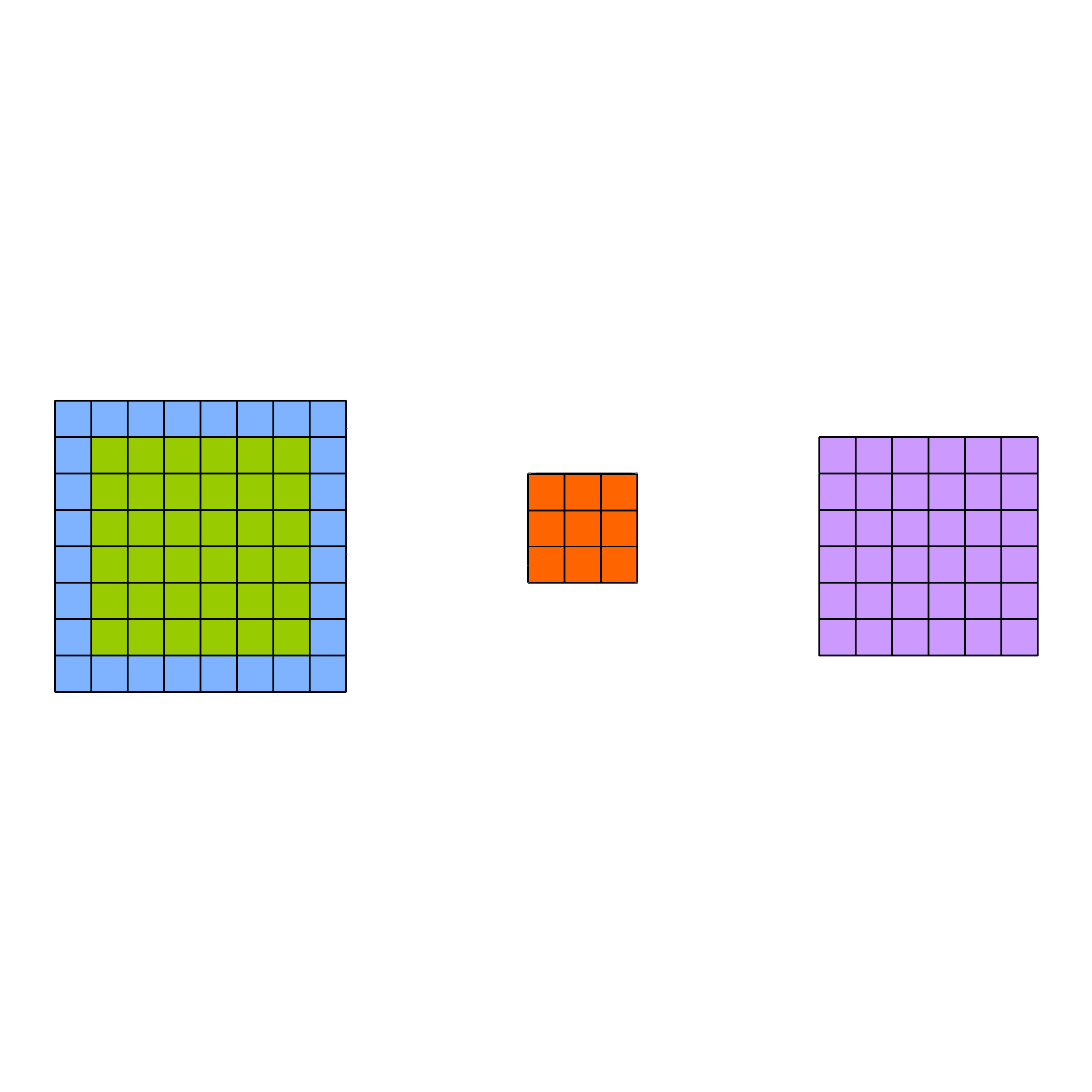
Convolutional Neural Networks
A simple sample of code to classify images. It demonstrates the concept of Convolutional Neural Networks. Matches the Convolutional Neural Networks tutorial.
Download Code